
Shops & POS
For shops, pharmacies, hardware and wholesalers
- Sell at the counter: M-Pesa or cash, receipt by SMS
- Stock that counts itself, with a low-stock alert
- Branches, transfers and credit customers
- Takings and stock that agree at closing time
Business systems
We build the system your shop, school or company runs on: sales and stock at the counter, school fees paid by M-Pesa that record themselves, orders and approvals in one place. Built to order for the way you already work, and yours to keep.

What we build
Each system is built to order for the way your shop, school or company already works, and each one starts from parts we have already built and run.
For shops, pharmacies, hardware and wholesalers
For primary and secondary schools and colleges
For distributors, service firms and growing teams
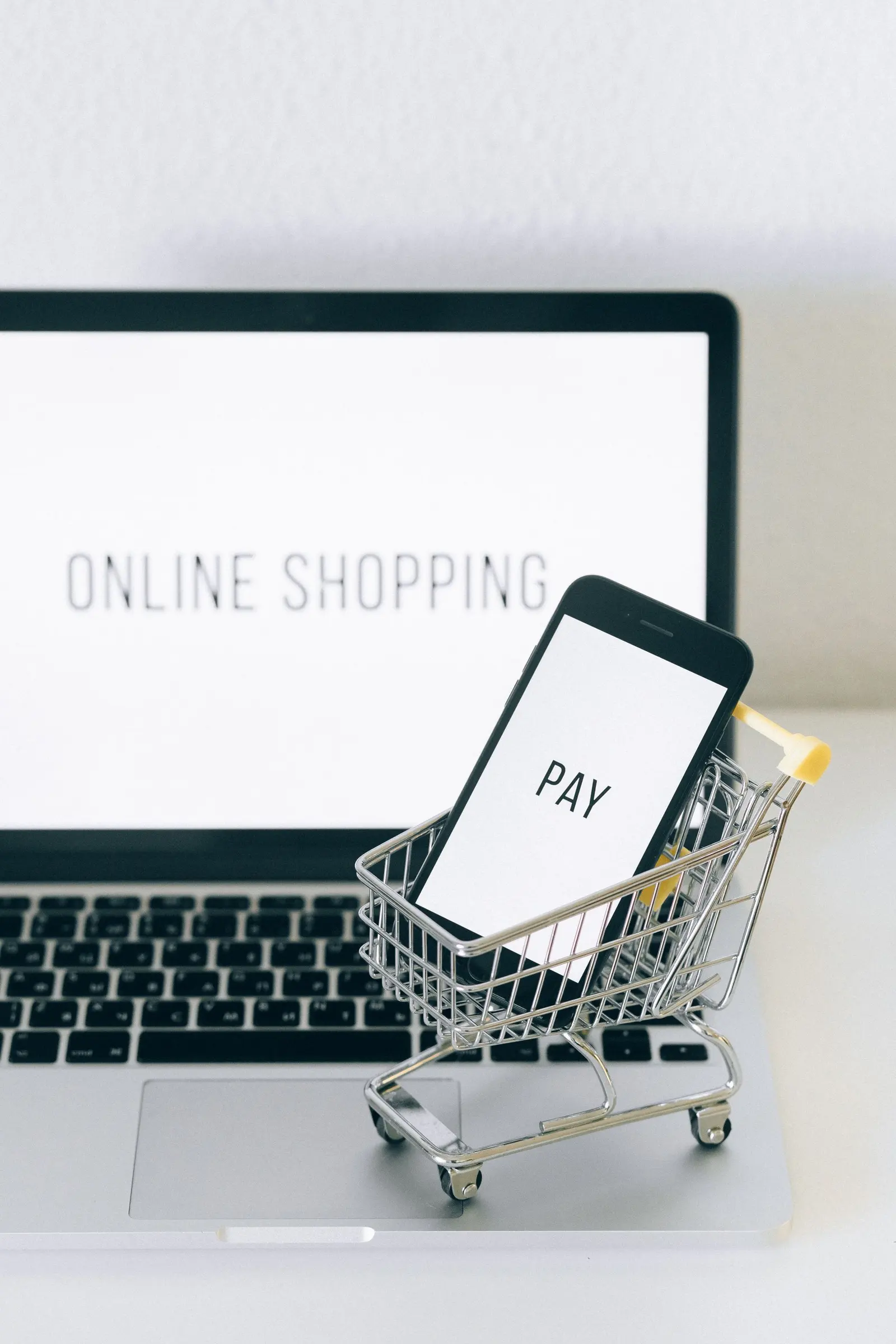
Honest advice
For one shop that sells the standard way, a ready-made POS app on a monthly subscription is cheaper than anything built. We say so on the first call.
We build when…
Not sure which side you are on? Read how custom software decides it, then ask us.
Proof you can check
Your system is new, but its hardest parts are not. Each one below already runs in a system we built, so it has been tested on real payments and real people.
See Linkaa, our payment-matching system, and the quote builder and catalogue we built for an events-hire business.
School fees by M-Pesa
The job most schools ask for first: fees paid by M-Pesa that record themselves, with no messages typed in by hand.
To the school’s Paybill, with the admission number as the account number.
The system finds the student from the admission number and records the payment.
By SMS, with the amount paid and the balance left.
Every class, every balance, and a list of who has not paid, without typing a message.
A shop’s day
Every sale at the counter records the item, the payment and the stock in one step. At closing, the figures are already done.
Selling online too? Your online shop with M-Pesa checkout can draw from the same stock.

Each sale’s invoice can go to KRA from the system itself, so nobody re-types sales into another tool. For a system we build, from KSh 40,000.
eTIMS and M-Pesa connectionsProducts, customers, students and balances from Excel or your old system are cleaned and moved in before launch, and checked against the totals you already trust.
Business system cost in Kenya
There is no list price for a system built to order. After a free scoping call you get one fixed quote in writing, with each of these priced openly.
Only need the figures on one screen first? A business dashboard starts from KSh 40,000. After launch, a monthly care plan keeps it current.
Ready-made POS apps are sold as a monthly subscription per shop, and for a single shop with standard selling that is usually the cheapest choice. A POS we build for you is quoted after a free scoping call, as one fixed price in writing, and is worth it when you have branches, credit customers or rules a subscription cannot follow.
Custom software, and when it paysIt depends on what the school needs first: fees and M-Pesa, student records, exams and report forms, or messages to parents. We scope it with the bursar and the head, then give one fixed quote in writing. Many schools start with fees, because that is where the most time is lost.
M-Pesa payments, connectedNo. We build each system to order, from parts we have already built and run: logins, M-Pesa matching, stock, quotes, reports and an activity log. If a ready-made product fits your business, we tell you so on the first call.
Yes. Parents pay to the school’s Paybill with the admission number as the account number. The system matches each payment to the student, updates the balance and sends the parent a receipt by SMS, so the bursar no longer types in M-Pesa messages.
How M-Pesa payments are matchedYes. A sale at the counter records the item, takes payment by M-Pesa or cash, and takes the item off the stock count in the same step, so the stock figure and the takings always agree.
We connect systems we build to KRA eTIMS, from KSh 40,000, so each sale sends its invoice to KRA. For a system someone else built, we first check what it can do and quote after that check.
eTIMS and other connectionsERP is the name for one system that runs several departments: sales, stock, buying, staff and accounts. Most small businesses do not need all of it on day one. We usually start with the two parts that cost the most time, then add the rest as the business grows.
Start with your figures in one placeYes. Each branch sells and counts its own stock, stock can move between branches with a record of who sent and who received it, and the owner sees every branch on one screen.
A dashboard across branchesYes. We clean your spreadsheets or export your old system and move products, customers, students or balances in before you go live, so nobody starts from an empty screen.
Yes. The system, its data and its accounts are in your name, and we agree in writing how the code and hosting are handed over.
The same rule for your domainIt runs in the browser, so it needs a connection. A phone on mobile data is enough to keep selling or recording when the office line is down, and nothing is lost when the line comes back.
Yes. Each person has their own login, and their role decides what they see: a cashier sells, a store-keeper counts, a bursar collects fees and the owner sees everything. Important changes are written to an activity log.
It depends on the first version we agree. The written plan after scoping gives the timeline, and you see working parts every two weeks on a test copy you can log into.
Talk to us about your systemWe train your team on the real system, fix issues in the first weeks, and agree a support plan for updates as your business changes.
Monthly support plansGuides from our desk
 Websites
How to accept M-Pesa payments on your website
The three ways to take M-Pesa online, what you need from Safaricom, what it costs, and how to stop fake payment screenshots for good.
 AI & automation
How to use AI (super intelligence) in your business in Kenya
Nine practical ways Kenyan businesses can use AI (which we also call super intelligence), the free tools to start with, what each use costs in time and money, and the mistakes to avoid.
 Websites
Website traffic but no enquiries? 11 reasons visitors leave without calling
People are visiting. The phone is quiet, and the leads or sales are not coming. Here is how to find where they leave, and the eleven reasons visitors leave without calling, from an invisible button to a price nobody can find.

Free strategy call
We look at your business, your competitors and what you need, and you leave with a clear plan, even if you don’t work with us.